We buy everything we review ourselves — brands don't send us freebies or influence our opinions.
When you shop through our links, we may earn a commission at no extra cost to you. That's what keeps SRVogue honest and running.
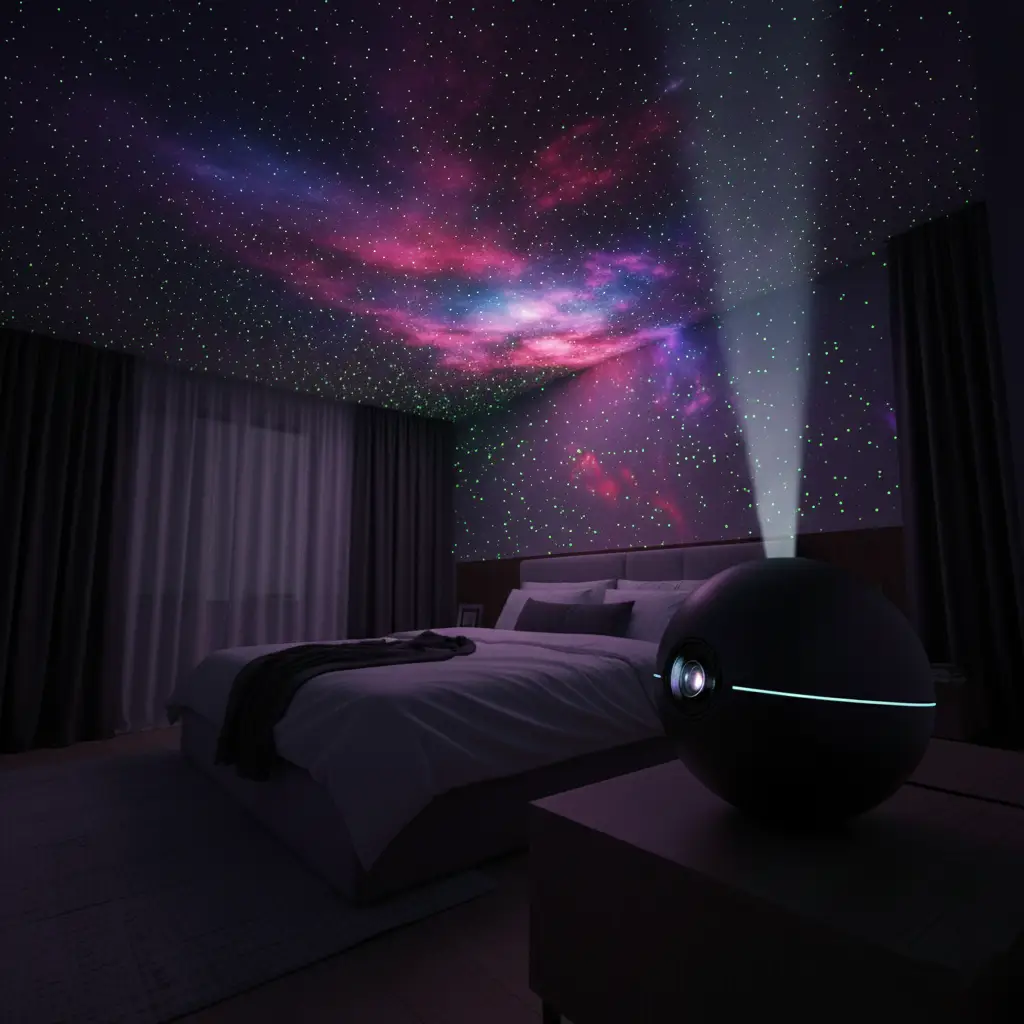
How to Get a Galaxy in Room Light — The Best Star Projector Setup Guide

Table of Contents
I was at a friend’s place helping her rearrange furniture — totally mundane Saturday — when she turned off the lights and I completely forgot what we were doing.
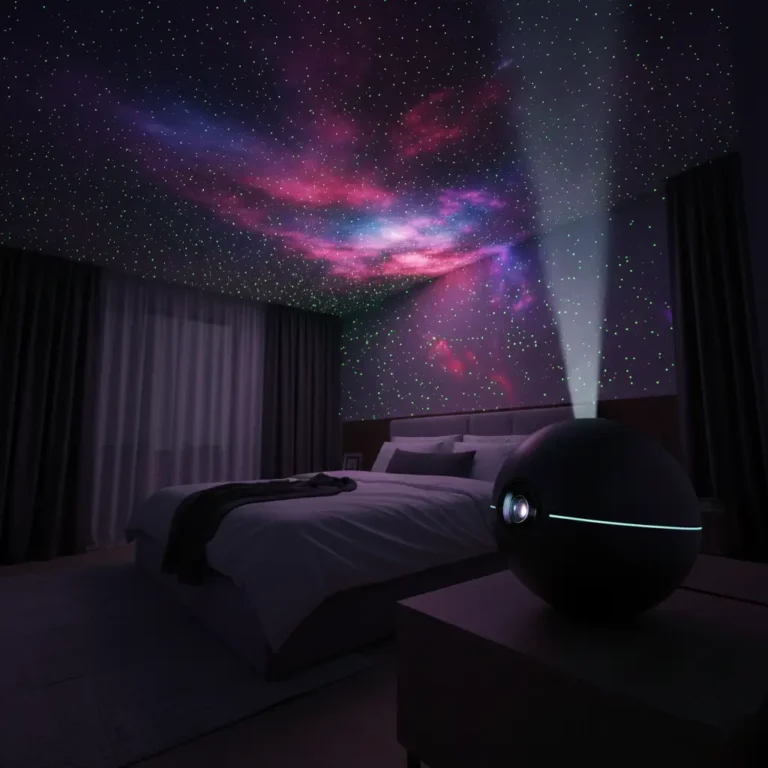
Her ceiling was the Milky Way.
Stars drifting slowly across the walls. A soft blue-green nebula cloud pooling in the corner. The whole room felt like floating in space. I stood there with a throw pillow in my hands like an idiot and said, “How do I get that?”
That’s exactly the energy behind this article. Because getting a galaxy in room light isn’t complicated or expensive — you just need to know what to buy and how to set it up right. I’ve done it myself now, I’ve helped a couple of friends do it, and every single time the reaction is the same one I had. Jaw on the floor.
Here’s everything you need to know.
What Actually Creates a Galaxy in Your Room?
The short version: a rotating LED projector with a built-in star plate and sometimes a nebula film layer. The device sits on a surface, plugs into power, and projects light through a dome or lens onto your ceiling and walls.
The magic is in the rotation. A still star field looks nice. A slowly rotating star field with colored nebula clouds drifting behind it looks like you’re actually floating through space. That movement is what makes people stop and stare.
Most projectors combine two or three elements — white or multicolored star dots, a soft nebula/galaxy wash, and sometimes a moon or additional pattern. The better models let you control each layer independently, which is where the fun really starts.
Choosing the Right Galaxy in Room Light — What to Look For
Not all star projectors are equal, and I learned this the slightly annoying way. Here’s what actually matters when you’re shopping.
Coverage area. A projector that only fills your ceiling looks underwhelming. Look for one that claims to cover walls too — you want that wrap-around immersive feel where you can barely find the edge of the projection.
Rotation speed control. Fixed rotation speed is a dealbreaker for me. You want slow drift for sleep, something a little livelier for a study or chill session. Adjustable speed makes the same device work for multiple moods.
Color options. The best units give you red, green, blue, and white stars plus a separate nebula layer in a different color. Being able to mix those independently — for example, white stars with a teal nebula — is what creates that “actual galaxy” depth effect.
Noise level. Some projectors have a motor hum that’s surprisingly loud in a quiet room. Check reviews specifically for noise mentions before you buy. For a bedroom projector, you want near-silent.
Timer function. This is a quality-of-life thing that becomes essential fast. A 1-hour auto-off timer means you can fall asleep under the stars without leaving it running all night.

The Best Sky Projector for Room Setups (What I Recommend)
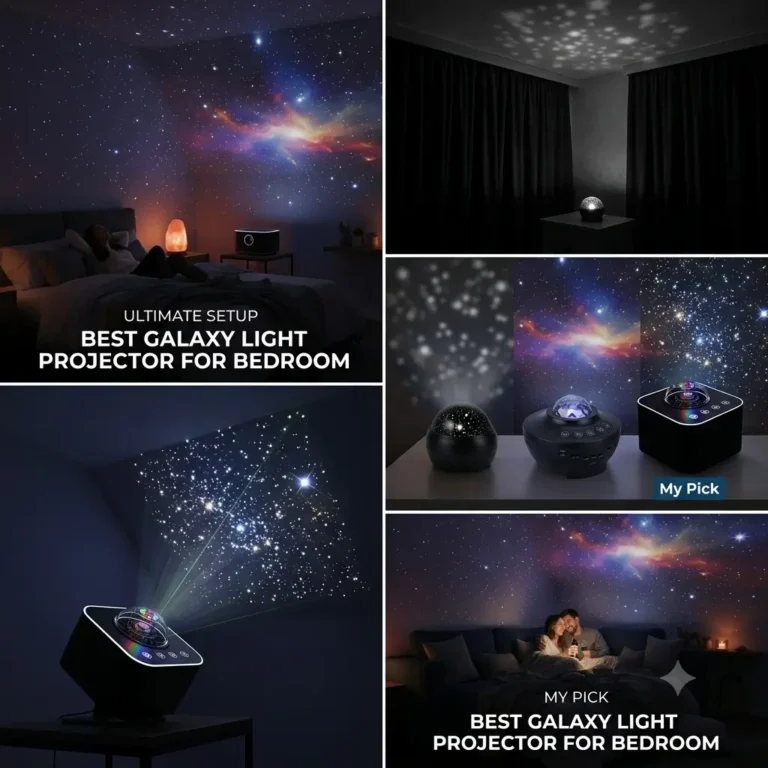
I’ve tried a few at this point, and the best sky projector for room use — in terms of the balance between price, projection quality, and features — sits in the $30–$60 range on Amazon. Below that, you tend to lose the nebula layer or the rotation quality. Above it, you’re paying for brand name more than results.
What specifically to look for on the listing:
- “360° rotation” or “dual rotation” mentioned
- A nebula or galaxy mode listed separately from the star mode
- Remote control included (not just a button on the unit — you’ll thank yourself later when you’re already in bed)
- At least 6 color options
Additionally, look at the photo reviews — not the promotional images. Real user photos show you exactly what the projection looks like on a normal ceiling in normal room conditions, not a studio shoot.
For a full breakdown of my top picks by room size, check out [link to related post].
Galaxy Star Projector Starry Sky Night Light Astronaut Lamp — Is It Worth It?
Yes, with caveats.
The galaxy star projector starry sky night light astronaut lamp style — and you’ve probably seen these, they look like a little astronaut figure sitting on a moon — is genuinely one of the most popular options, and it earns that popularity. The aesthetic alone is incredible. It looks good in the room even when it’s off, which is something a lot of generic projector boxes can’t say.
The projection quality on the better astronaut lamp models is surprisingly solid. You get that layered star-and-nebula effect, decent coverage, and the form factor means it works as a desk piece, a shelf accent, or a bedside table light.
However — and this matters — the cheaper versions of this style skip the nebula layer and give you only pin-point stars. That looks more like a planetarium than a galaxy. If you want the full cloudy, atmospheric galaxy effect, make sure the listing specifically mentions a “nebula” or “galaxy cloud” mode, not just stars.
For bedroom or kids’ room use, it’s absolutely worth it. For a larger living room or open space, you might want something with a wider throw angle instead.
How to Set Up Your 3 in 1 LED Starry Sky Projector Light
This is where people overcomplicate things, so I’m going to make it simple.
The 3 in 1 LED starry sky projector light refers to units that have three separate projection elements — usually stars, nebula/galaxy cloud, and a moon or additional light mode. Here’s how to get the best result from yours.
Step 1: Find your placement spot. Set it on a nightstand, dresser, or desk — ideally somewhere central to the room. The closer to the center, the more evenly the projection distributes across both ceiling and walls. I put mine on a small stool between my bed and dresser, and the coverage is nearly 270° around the room.
Step 2: Angle it before you commit. Most projectors have a tiltable head or base. Turn it on first, then adjust the angle until the core projection hits your ceiling. From there, the side scatter fills the walls naturally. Don’t point it straight up — a slight tilt toward the wall you spend most time looking at gives better depth.
Step 3: Set each layer separately. Turn on just the stars first. Adjust brightness. Then layer in the nebula. Then adjust rotation speed. Building it up in layers helps you find the balance you actually like rather than being overwhelmed by everything on max all at once.
Step 4: Dim your other lights. Sounds obvious, but even a small amount of ambient light kills the effect. Blackout curtains make a massive difference if you want to use this during the day. At night, even just turning off the main overhead light is enough.
Step 5: Use the timer. Set your preferred auto-off time — usually 1, 2, or 4 hours. Then you can fall asleep without thinking about it.
Tips to Make Your Galaxy Projection Look Incredible
These are the things I figured out after a few weeks of use that genuinely took the setup from “cool” to “people stop talking when I turn this on.”
White walls or ceiling make a huge difference. Dark walls absorb the projection. Light surfaces bounce it. If you have a dark accent wall, aim the projector away from it.
Mix cool and warm. If your projector lets you run blue-green nebula with white stars rather than matching colors, do that. The contrast is what makes it look like actual space photography instead of just a colored light.
Pair it with ambient sound. This sounds extra, but space ambience or lo-fi rain on a small Bluetooth speaker with this projection running is elite homework or wind-down energy. According to sleep research, [source: Sleep Foundation or similar], low light environments with slow visual movement can help signal the brain toward relaxation — so this isn’t just aesthetics, it’s genuinely useful.
Try it from the floor. Lying flat and looking up at the full ceiling projection is a completely different experience than looking at it from a chair. Show people the floor view. That’s the one that gets them.
Where to Buy — Amazon Starry Night Light Options Worth Checking
The amazon starry night light category is genuinely well-stocked, which is both helpful and overwhelming. Here’s how I navigate it without falling down a rabbit hole.
Search for “galaxy projector night light” and filter by 4+ stars with at least 1,000 reviews. Read the 3-star reviews specifically — they usually describe real-world issues like noise, dim projection, or limited coverage that 5-star reviews skip over.
Price sweet spot: $30–$55 for a solid single-room projector. Under $20, you’re likely getting a fixed (non-rotating) star field with one color. Over $60, check that you’re getting meaningful additional features, not just packaging.
Look for brands that include a remote — it’s the difference between adjusting your projector from bed and getting up every time you want to change the color.
Your Room Will Never Look the Same
I’m not exaggerating when I say this is one of the easiest room upgrades with the highest visual payoff. You spend maybe $40, you spend five minutes setting it up, and suddenly your bedroom feels like a completely different place.
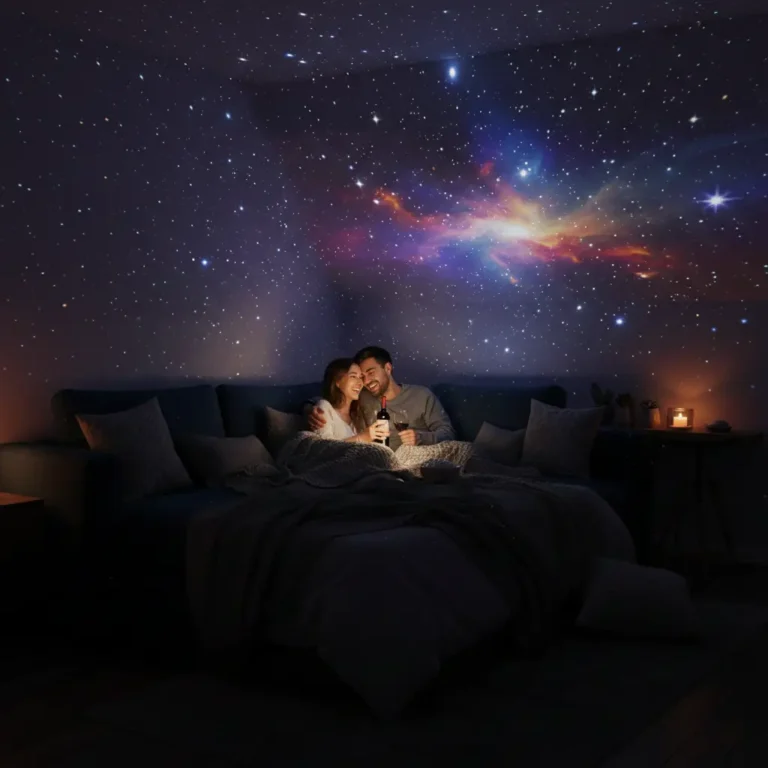
The galaxy in room light effect isn’t just pretty — it genuinely changes the energy of a room. It’s calming. It’s impressive. It’s the kind of thing that makes people stop mid-conversation.
If you’ve been on the fence, stop waiting. Set it up tonight, turn off every other light, lie on your floor, and look up. You’ll get it immediately.
And then you’ll text someone “you have to come see my room.” That’s just how this goes.
Editor's choice
Top Picks fo you
 $8.97
Ocean Wave Projector LED Night Light Remote Control TF Cards Music Player Speaker Aurora Projection
🛒 Buy →
affiliate
 $7.45
Modern Desk Lights USB Eye Protection LED Table Lamp For Living Room Bedroom End Tables Office
🛒 Buy →
affiliate
 $21.20
Galaxy Starry Sky Projector Rotating
🛒 Buy →
affiliate
 $4.87
Outdoor Solar Wind Chime Lamp Hummingbird Butterfly Ball Wind Chime Garden Decoration
🛒 Buy →
affiliate
 $4.01
Outdoor Solar Lawn Garden Underground Light
🛒 Buy →
affiliate
FAQs
Q: What’s the best placement for a galaxy projector? A: Center of the room at table or dresser height works best. A slight tilt toward the wall you face most gives the most immersive coverage.
Q: Can I use a galaxy projector in a large room? A: Most standard projectors cover up to 250–350 sq ft effectively. For larger rooms, look for listings that specifically mention wide-angle projection or use two units.
Q: Are star projectors safe to leave on overnight? A: Most LED star projectors are safe to run for extended periods, but use the built-in timer feature if yours has one. LEDs run cool, so heat isn’t usually a concern.
Q: Do galaxy projectors work in a room that isn’t fully dark? A: They work best in darkness. Even light coming under a door reduces the effect noticeably. Blackout curtains are worth it if you want daytime use.
Q: Can kids use galaxy projectors? A: Absolutely — they’re one of the most popular options for kids’ bedrooms. Look for models with a timer and soft color options, and make sure the unit is stable so it can’t be knocked over easily.